Making a blend in GIMP
This should help you with makeing a blend in GIMP. Any questions or comments? Go to the contact page and ask! I will answer you a.s.a.p!
First: Open up a new canves on GIMP.

Make it about 900 x 900.

Being to large is better, you can always crop it at the end. But if it's too small, you will have to start over.
Second: Go ahead and go to the first image your going to use and copy it.
*tip: Use pictures with simular backgrounds A great place to get images is
Here. That's were I got the images I will be using from.
Here are the images I will be using:
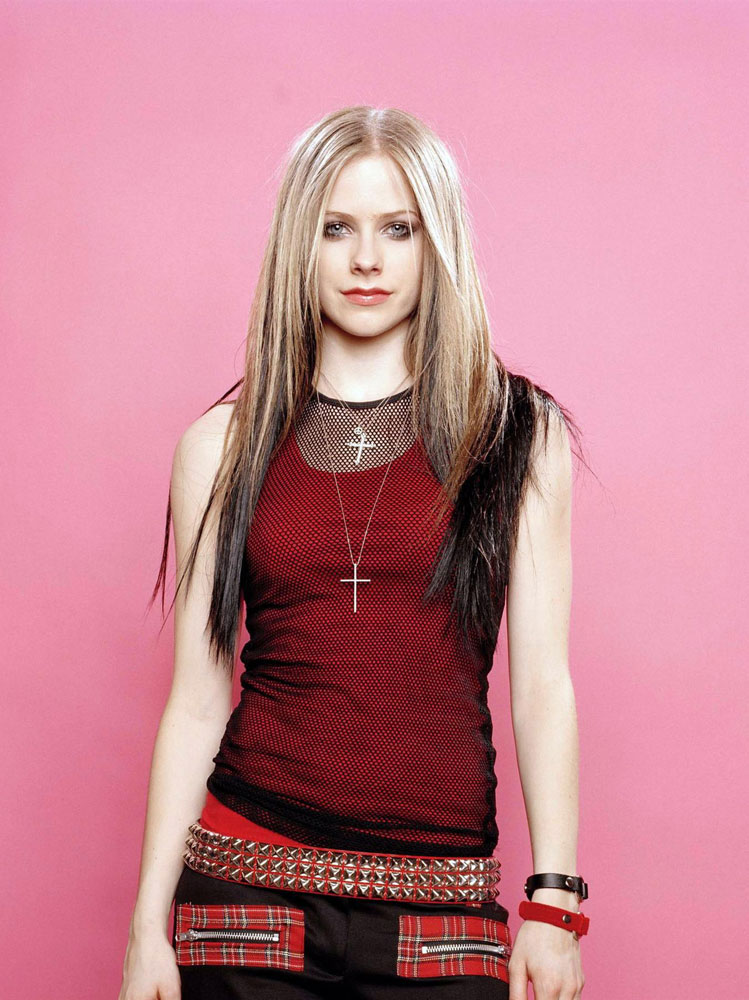
 Third:
 Go to Edit > Paste.

Now you can use the .

tool to move it to where ever you like
Now go to Layer > Anchor Layer
 Fourth:
 Go to your other image and do the exact same thing, just
DO NOT ANCHOR your 2nd image! Once you have it in the spot you want, use the erasing tool to erase the the layer that is on top of your first image.
Fifth: You can now anchor that layer and do what ever else you want! you can add text and all kinds of stuff! This is how mine turned out:

